Shop Queen Koko
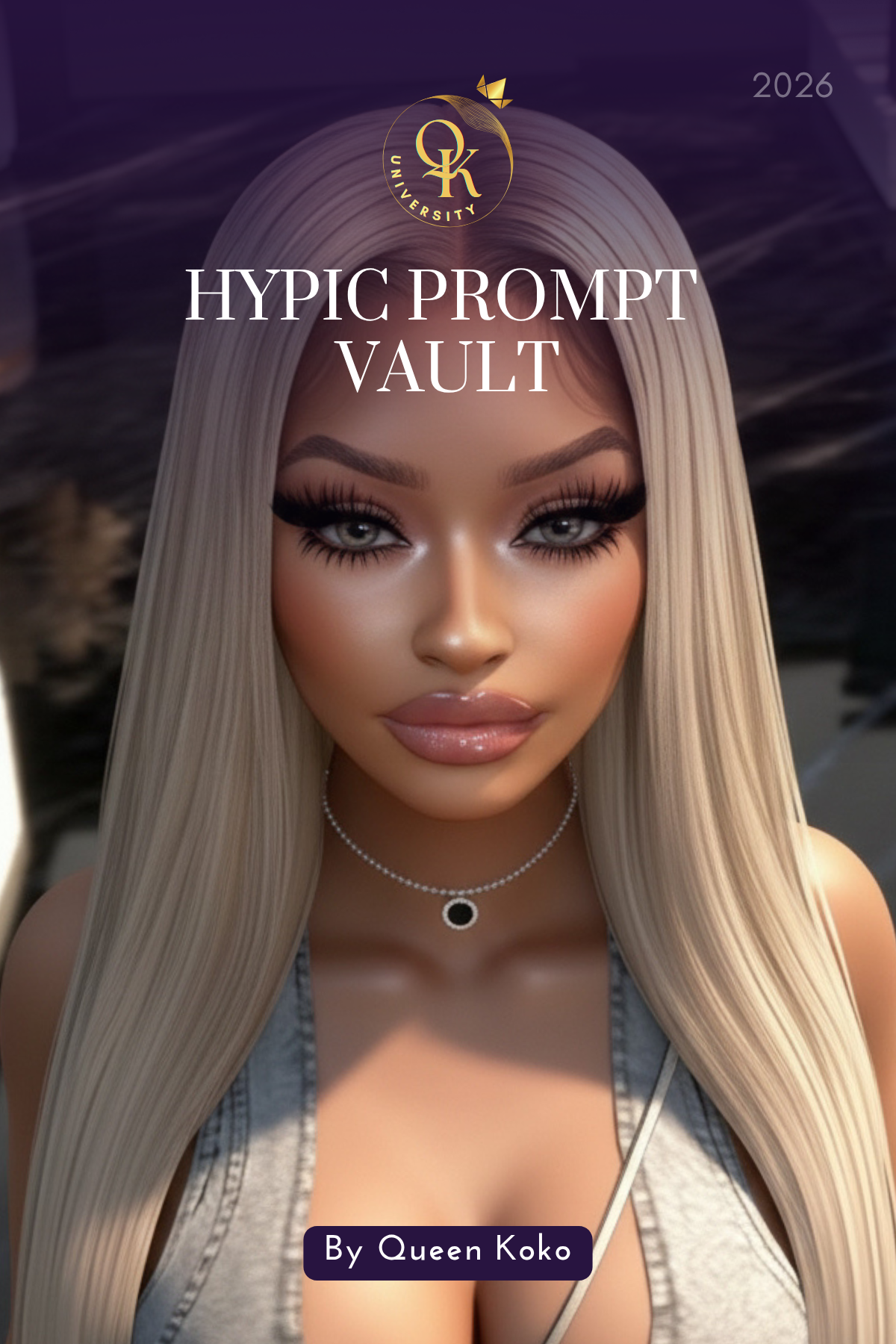
QK University Hypic Prompt Vault
QK University Hypic Prompt Vault
Couldn't load pickup availability
The QK University Hypic Prompt Vault is a digital prompt guide created for virtual creators who want cleaner, more polished, and more realistic photo enhancements using Hypic.
This guide includes copy-and-paste prompt ideas for IMVU photos, baddie edits, luxury lifestyle scenes, outfit details, water, chrome, interiors, lighting, shadows, backgrounds, floors, fabric textures, and more.
Instead of typing random prompts and hoping Hypic understands the look you want, this vault gives you a stronger starting point with clearer wording and more specific direction.
Inside, you’ll find prompts for:
- Soft Blender render enhancements
- Lighting and shadow fixes
- Foreground and background depth
- Outfit, fabric, and clothing textures
- Sparkly, sheer, lace, denim, satin, leather, and fur details
- Chrome, metal, and Shebara-style resort scenes
- Water, pool, beach, and ocean enhancements
- Room, furniture, couch, mirror, and counter corrections
- Ground, floor, grass, concrete, and surface details
- Face, hair, body, outfit, and brand detail protection
- Problem-solving prompts for when Hypic changes too much
This guide also includes helpful notes on how to tweak each prompt for your own photo, because Hypic is AI and every image may come out differently.
You may need to update the colors, background, lighting direction, floor type, outfit material, hairstyle, accessories, or scene details so the prompt matches your photo.
This is not a one-size-fits-all magic button. It is a prompt vault made to help you give Hypic better direction and create more polished virtual content.
Perfect for virtual creators, IMVU baddies, digital influencers, content creators, shop owners, and anyone who wants their photos to look more elevated.
Please Note: Hypic is a separate app and is not included with this eBook. Some Hypic features may require a subscription or additional in-app purchase. This guide includes prompts, editing direction, and creative guidance only. AI results may vary depending on the image, app settings, and how the prompt is used.
Share